 21sys
21sysA pragmatic storage expansion for my Macbook running Asahi Fedora Linux
One of the great things about Asahi Linux on Apple Silicon hardware is that you can play many AAA Games via Steam.
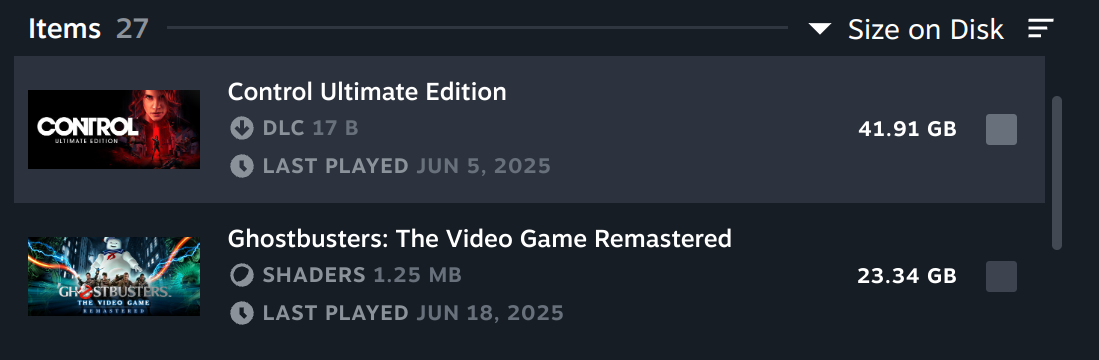
One of the “bad” things about Apple Macs is that entry-level models don’t come with a lot of disk space and Apple charges a premium for higher storage options. Partitioning for MacOS/Linux dual-boot reduces your available disk space further.
Unfortunately games and some other interesting things that you can use on Asahi Linux (like virtual machines, local LLM models, etc) require a lot of disk space.
The problem
The only option to expand storage on my Macbook Air M2 seems to be using an external SSD.
However I hate the idea of using a USB-C SSD. It would be an extra device, with a cable, so I can’t easily move my laptop from my desk to my coffee table without having to be extra careful about the stuff attached to it. Not what I want.
My hardware choice: The 1 GB/s USB thumb drive (actually an SSD)
A little research later, there seems to be a middle ground:
The Macbook Air M2 has support for USB 3.2 Gen 2 (10Gbit).
And there’s a new flavor of external SSD on the market: A real SSD in the form factor of a USB thumbdrive. It’s small, reasonably fast and doesn’t need a cable.
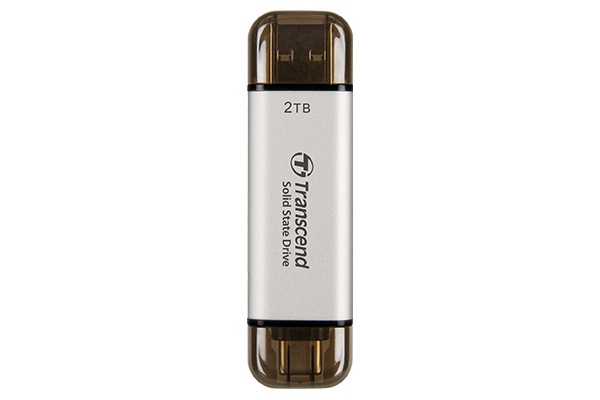
The model that I went for is the 1 TB Transcend ESD310. It has a real SSD controller and a USB 3.2 Gen 2 (10G) interface. I paid ca. $80 for it.
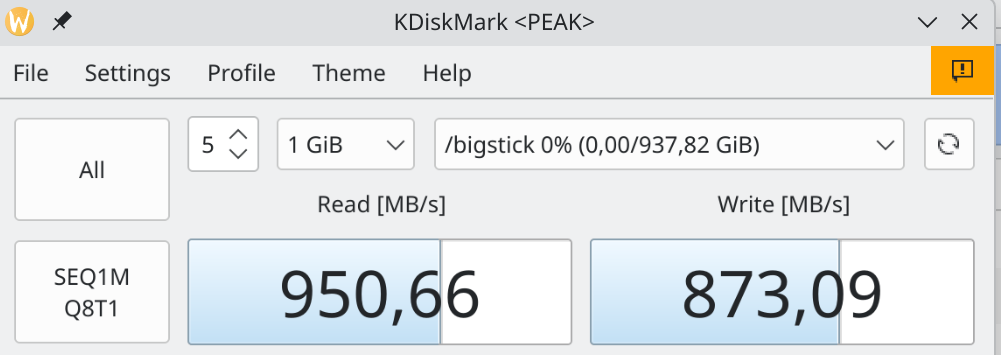
Formatted as ext4 I’m seeing throughput close to 1 GB/s - which makes it a pretty solid “Desktop SSD”.
The only worrying thing is that it gets notably hot when in use. SMART status says 57° C internal temperature and 100° C drive temp. (As it comes with 5 years warranty Transcend seems to be okay with that baseline temperature?)
How I mount it on Asahi Linux
I’ve formatted it ext4 and gave it the label bigstick. I want it to be present at a fixed mountpount for all users (/bigstick), so that I can create symlinks to paths on it.
I didn’t create the usual mount entry in /etc/fstab as I want to be able to plug and unplug the drive, which should result in automatic mounts and unmounts. Instead I created this systemd unit for it:
file /etc/systemd/system/bigstick.mount:
[Unit]
Description=Mount USB volume labeled bigstick on /bigstick
# BindsTo will stop this .mount when the device goes away
BindsTo=dev-disk-by\x2dlabel-bigstick.device
After=dev-disk-by\x2dlabel-bigstick.device

[Mount]
What=/dev/disk/by-label/bigstick
Where=/bigstick
Type=auto
Options=defaults

[Install]
WantedBy=dev-disk-by\x2dlabel-bigstick.device
And after enabling it (systemctl daemon-reload && systemctl enable bigstick.mount --now) it can be used.
How I use it with Steam on Asahi Linux
Steam has first class support for external drives, so no need for symlink tricks.
Just go to Steam -> Settings -> Storage, and add a folder on your external drive as external drive. You can then, in the same window, move any installed games and even runtimes like Proton to the external drive with one click.
Wrapping it off
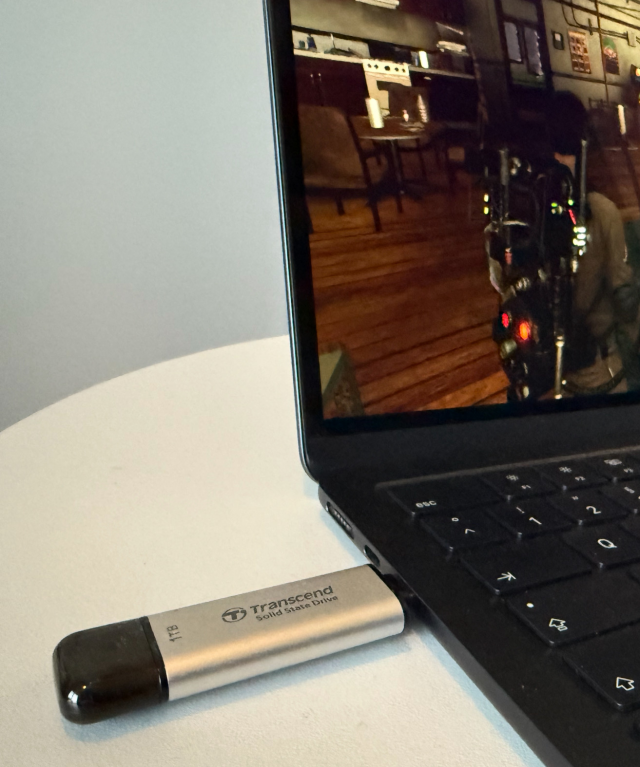
Now that everything is working, I’m off for some fun now. Here’s my Macbook Air M2 on the coffee table, running Ghostbusters (Remastered) via Steam on Asahi Linux from my external SSD. No cables, no fuss.
#Asahi-Linux #Fedora #Steam #Linux #Storage #Ssd #Mount #Systemd
Discuss this article on GitHub Discussions.