 21sys
21sysEnabling Pinch to Zoom with Chrome and a PDF Reader on Asahi Fedora Linux
Pinch to Zoom on my Macbook Air M2’s trackpad works out of the box with some of the Wayland-aware apps on Asahi Fedora Linux. For example on Gwenview (the image viewer).
However, it did not work out of the box in the two places where I need it the most: The Chromium browser and for viewing PDFs in the default document viewer (Okular).
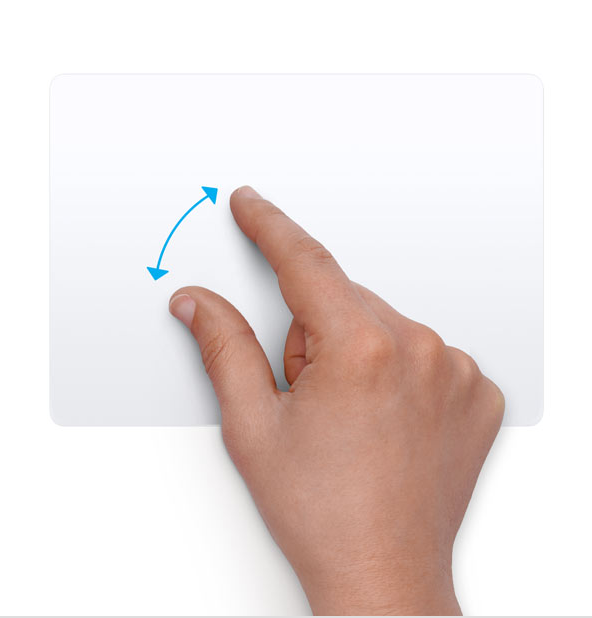
Enabling pinch-to-zoom in Chrome
Just for context: I have replaced the default Firefox browser with Chromium via Flatpak. (I had high memory usage problems with Firefox and a problem with the MS Teams webapp in native, non-Flatpak Chrome - I might write another blog post about my Asahi Linux browser choice).
Pinch-to-Zoom didn’t work out of the box on Flatpak Chromium. Setting this Chrome Flag made it work:
Change chrome://flags/#ozone-platform-hint from Default to Wayland.

Enabling pinch-to-zoom for PDF viewing
Unfortunately zooming with the trackpad doesn’t seem to be implemented yet in Okular, the default PDF viewer in KDE Plasma.
So I decided to swap it for Evince, the default Gnome Document Viewer.
dnf install evince
And make it the default PDF app:
# set default app
$ xdg-mime default org.gnome.Evince.desktop application/pdf

# verify
$ xdg-mime query default application/pdf
org.gnome.Evince.desktop
A quick test proofed pinch to zoom work wonderfully.
However, I noticed two other problems with Evince on KDE Plasma 6:
Side Problem 1: Fixing the Evince app icon (instead of Wayland default icon)
The Evince app icon (in the the task manager, etc) was only showing as the default Wayland placeholder icon.
The cause for this is, as often, that the app’s .desktop file is named differently then the ID that the app advertises. The KDE docs say this is a bug and the app developer should change things, but it is so common and annoying that one wonders why there’s no compatibility layer for this.
And indeed, here the name of the .Desktop file (org.gnome.Evince) is different from the App ID (evince):
$ WAYLAND_DEBUG=1 evince 2>&1 | grep -i set_app_id
[2132293.552] {Default Queue}  -> xdg_toplevel#37.set_app_id("evince")
$ ls /usr/share/applications/*vince*.desktop
/usr/share/applications/org.gnome.Evince.desktop
It’s easy to fix though, just create a symlink .desktop to the existing .desktop file:
sudo ln -s /usr/share/applications/org.gnome.Evince.desktop /usr/share/applications/evince.desktop
(Alternately we could have placed the symlink or a copy of the .desktop file in the user profile: ~/.local/share/applications)
Side Problem 2: Making Evince (Gnome Document Viewer) to remember the last PDF reading position (and enabling bookmarks) on KDE Plasma
I am used to Evince from Gnome and noticed that most functionality around “state per document” was broken when using it on KDE Plasma 6.
For example, it did not remember the last reading position: After an app restart it would always show the beginning of the document.
Also creating a bookmark in the left side pane was grayed out.
It turns out, Evince is using the Gnome Virtual Filesystem (gvfs) for storing this state and the evince rpm package doesn’t depend on the gvfs package. So we need to install it in addition:
dnf install gvfs
With that, Evince now works as expected for me.
#Asahi-Linux #Fedora #Trackpad #Macbook #Pinch-to-Zoom #Kde-Plasma #Wayland #Okular #Evince #Chrome #Chromium #Flatpak #Linux
Discuss this article on GitHub Discussions.