 21sys
21sysRunning ReactOS on Proxmox PVE
ReactOS is an early, experimental open source implementation of MS Windows NT, roughly in the state of ca. Windows XP/2003.
While ReactOS is too incomplete and unstable to be useful for any serious use, its source code can be super useful for MS Windows powerusers and devs to better understand the win32 api and windows internals.
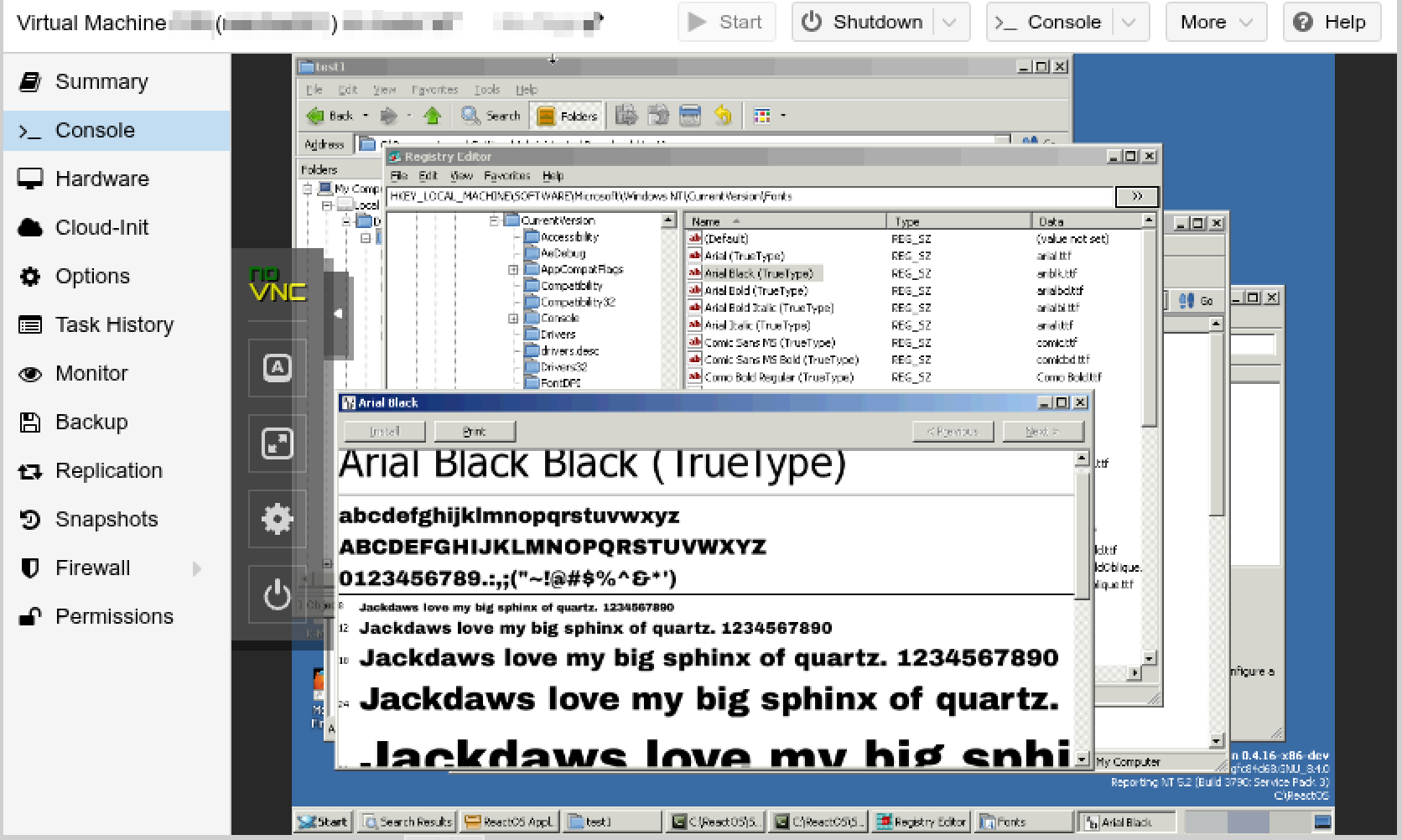
Sometimes browsing the source code isn’t enough - I want to see and debug things in action. For this I run ReactOS VMs in Proxmox PVE. For this, the following settings have worked fairly well so far:
- nightly ISO (the tagged releases are often months behind)
- BIOS: standard SeaBIOS
- Machine: standard i440fx
- RAM: 4 GB
- CPU: 1, type: host
- OS: Microsoft Windows XP/2003
- VirtIO SCSI single
- HDD: IDE, 16+ GB
- NIC: E1000
- ACPI: yes
- KVM: yes
- no guest agent, no spice
I connect via Proxmox PVE’s novnc console. File exchange with a ReactOS VM can be a bit tricky as ReactOS can’t run modern browser versions (in the last supported Firefox version, even GitHub release download pages are totally broken) and does not support SMB. It however has the ftp command line client installed out of the box and that’s what I use.
#Proxmox-Pve #Reactos #Windows #Win32 #Windows-Internals #Virtualization
Discuss this article on GitHub Discussions.